SimulateCraft
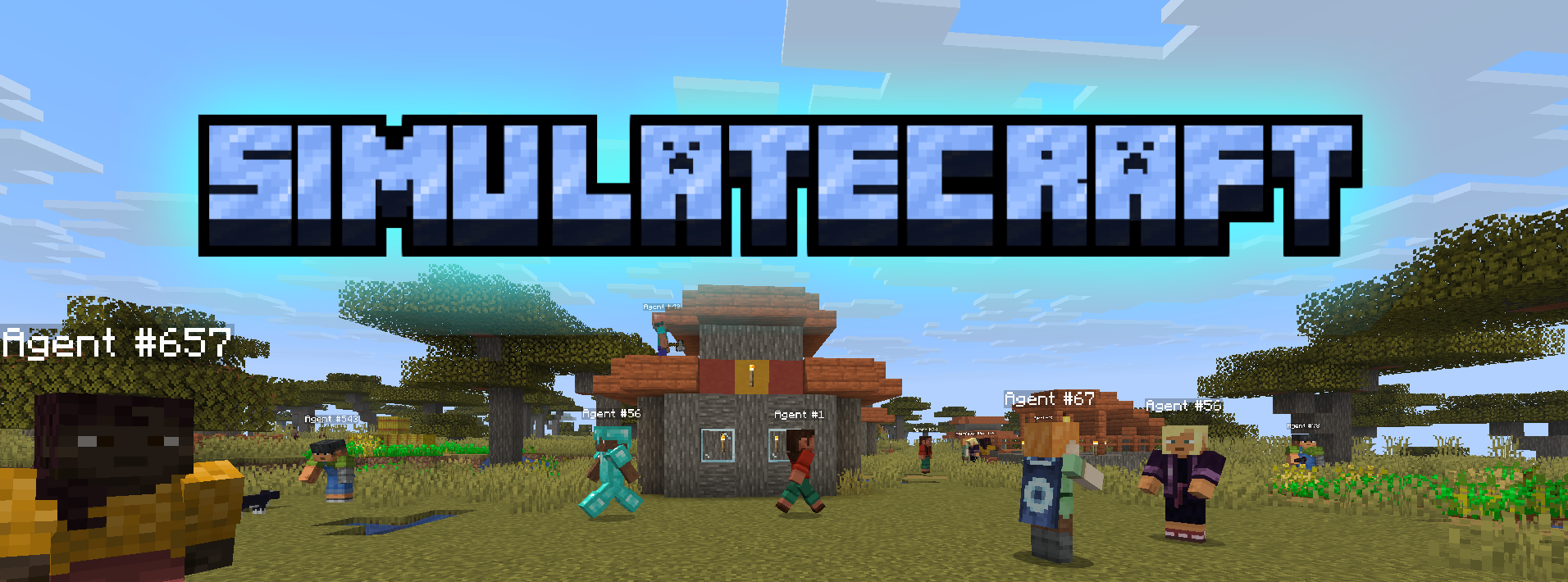
LLM agents that play Minecraft.
You run a Minecraft server, SimulateCraft joins with one or more bots, an LLM decides what each bot does each tick, and a browser UI lets you watch and steer the simulation.
Start here
| Tutorial | What you’ll do |
|---|---|
| First run | One-line install, set a provider, launch with run.ps1 / run.sh |
| Connect an LLM | OpenRouter, 9Router, own API, or Groq |
| Use the live viewer | Map, spawn / bulk agents, workshop, chat, pause / speed |
| Worlds, boundaries & rules | Import a world, draw a play square, day/night rules |
| How it works | Big picture of the tick loop (no API dump) |
| Contributing | Dev setup if you want to change the code |
Need a function signature later? See the API reference at the end of the sidebar.
Fastest path
- Install Git, Node.js 18+, and Docker Desktop.
- Run the one-liner from First run.
- Put an OpenRouter key (or 9Router / your API) in
.env. .\run.ps1(Windows) or./run.sh(macOS / Linux).- Open http://127.0.0.1:8000 and join
localhostin Minecraft 1.21.4.